


info@kps.com.vn
+84 903 709 019

With the new Bosch Project Assistant Application now available for free, system integrators will have Get an overview of your security video project, making planning, pre-configuration, operations and reporting faster, more transparent and easier to manage. Projects will be highly efficient with time savings of up to 30%
Planning, configuring, installing and reporting video security projects involves multiple tools and takes a long time to complete and document the process, making it difficult for system integrators to manage each stage of the projects. In addition, throughout the With the constant need to configure cameras, assign IP addresses, secure passwords, install and configure systems, update progress within the project team and report to the client, it is no surprise that poor connections, errors and damage can occur. This will add time and cost to the project, and may also negatively impacting customer satisfaction.
Designed and developed by Bosch Security & Safety Systems to support system integrators. Along with the system Security video (CCTV)Bosch products are directly imported, distributed and With maximum support from the manufacturer, a complete Security Camera system will be more complete when combined with the Project Assistant application that can be downloaded for free from various app stores for installation on desktops, tablets, smartphones and works on Apple, Windows and Google platforms. KPS wants the application to be as accessible as possible so that everyone can effectively control every stage of a security video project thanks to the Assistant App. Project.
Download the Assistant App for free Bosch security video project (Project Assistant).
Android: https://play.google.com/store/apps/details?id=com.bosch.bvip.projectassistant
iOS: https://itunes.apple.com/us/app/bosch-project-assistant/id1361004205
Windows: https://downloadstore.boschsecurity.com/FILES/ProjectAssistant_1.1.0.163.m si
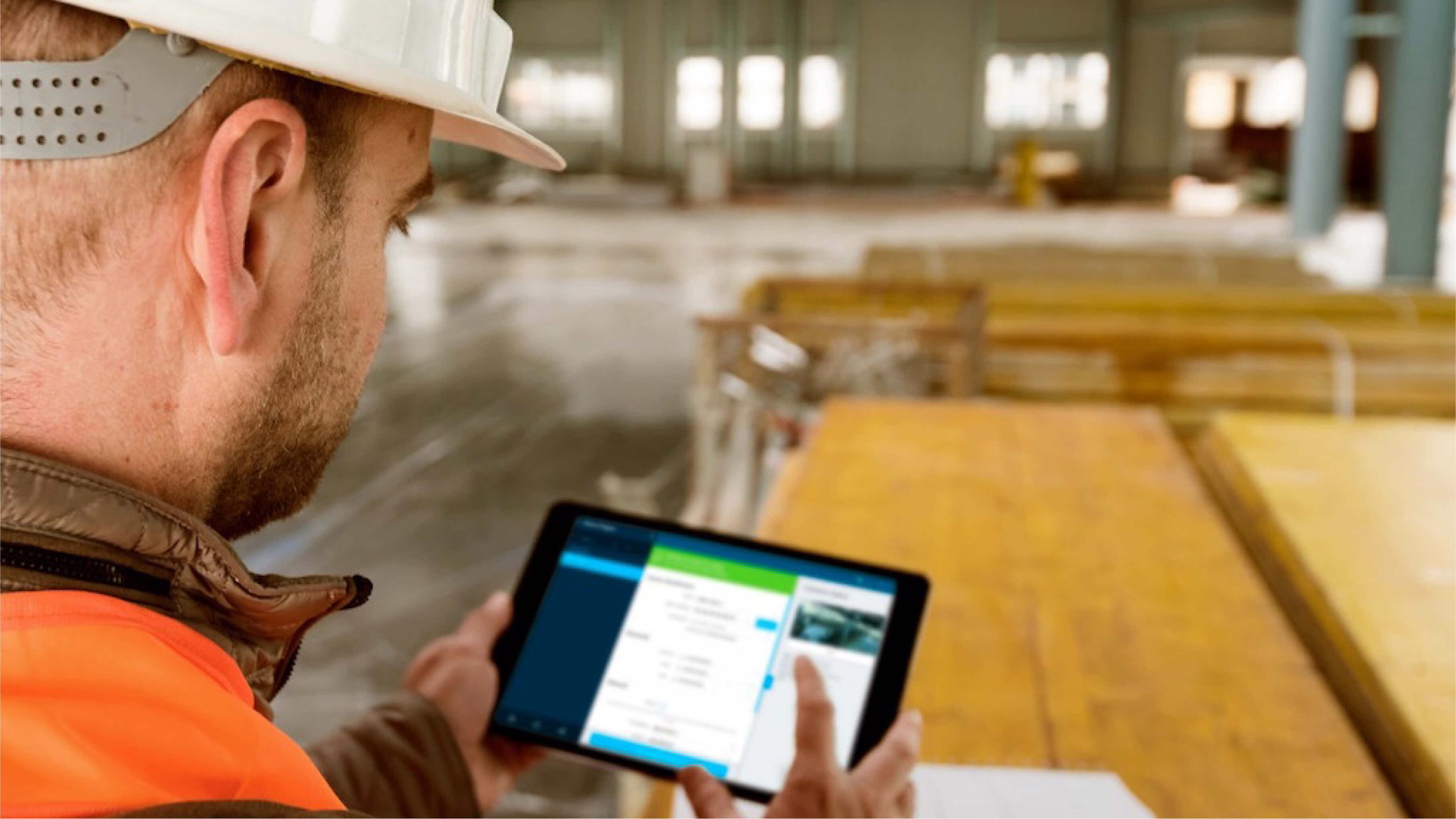
Now, setting up and configuring security video projects is can start right in the office without the need for cameras. Just plan the project, get IP addresses and passwords from the client, and create new projects via the app (or Excel-compatible file format), with the option to set up per camera or multiple cameras at once.
A useful time-saving feature of the Project Assistant App is its ability to automatically import information for each camera. Other information such as camera names and locations can also be added to the app without the need for the cameras themselves. Creating a virtual camera set within the app saves the system integrator from having to unbox and re-box products for labeling and configuration, saving up to 30% of time.

The installed and connected camera will be ready to connect to the virtual camera set up in the Project Assistant App (via Wi-Fi or cable connection within the same network). Simply scan the QR code on the outside of the camera box, on the Bosch camera body or on the sticker inside the box, the camera's MAC address will be identified and assigned to a specific virtual camera in the app. This action directly writes the presets in the Project Assistant app to the camera. Once the configuration is uploaded, the system integrator can set up the view, adjust image sharpness, and add additional camera settings as needed.
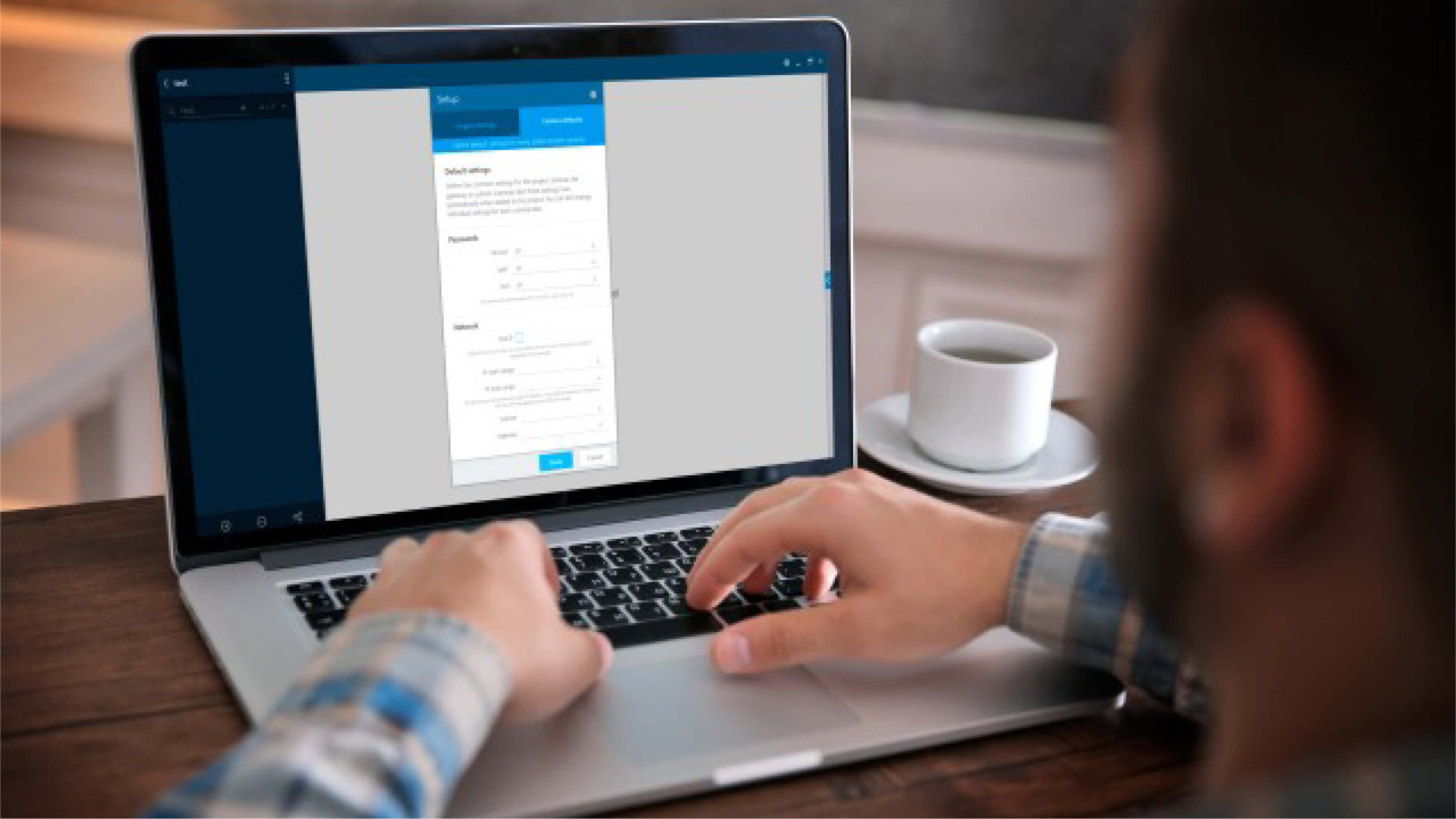
Assistant app Not only is the project designed to support video security project management at every stage, it also makes reporting easier, as every camera can be retrieved, checked and reported on in seconds. Final reports for the client can also be easily exported in minutes, complete with screenshots. Additionally, projects set up in the app can be can be shared via the Cloud to stakeholders, keepingacute;p connects and makes information transparent by providing each party with access and details about the project status.

Assistant application Bosch projects enable more efficient project planning, pre-configuration, commissioning and reporting, making every video security project faster, more controllable and more transparent. In short, that's it. The smart way to plan a video security project.
Source: boschsecurity.com
Other news

Signify and KPS sign strategic partnership agreement.
Signify and KPS have signed a strategic partnership to promote smart, energy-efficient lighting solutions for buildings in Vietnam.
View detail

From APEC 2017 Da Nang to APEC 2027 Phu Quoc: From traditional security solutions to smart IOCs.
From APEC 2017 security monitoring solutions to a smart IOC model for APEC 2027 in Phu Quoc.
View detail

Team Building KPS 2026 | Da Nang - Hoi An - Hue
KPS 2026 Team Building journey in Da Nang - Hoi An - Hue, where teams bond, recharge, and spread sustainable values.
View detail

Optimizing air conditioning based on room conditions in hotels and resorts.
Why do 20-30% of hotel rooms still have their air conditioning running even when there are no guests?
View detail

Energy-saving solutions for hotels and resorts - without compromising the experience.
Consulting and implementing EMS systems for hotels - reducing electricity costs, smarter operation - without compromising customer experience.
View detail

Energy Management System (EMS): Cost and Operation Optimization
EMS solutions help businesses monitor, analyze, and optimize energy in real time, saving 10-30% on electricity costs.
View detail
ABOUT KPS


Regulations and policies
Warranty and return policy Delivery, payment, and feedback Giấy phép kinh doanhContact Information
HO CHI MINH OFFICE
10–12 Dong Van Cong Street, Cat Lai Ward, Ho Chi Minh City.
+842839976099 / 903 709 019
info@kps.com.vn
www.kps.com.vn
Work time
Monday – Friday : 8:00 AM - 17:30 PM
Saturday - Sunday: Off
HA NOI OFFICE
22 Alley 168 Nguyen Xien, Khuong Dinh Ward, Hanoi City
+84 903 709 019
kpshn@kps.com.vn
www.kps.com.vn
Work time
Monday – Friday: 8:00 AM - 17:30 PM
Saturday - Sunday: Off
DA NANG OFFICE
490 Nguyen Tri Phuong, Hoa Cuong Ward, Da Nang City
+84 903 709 019
kpsdn@kps.com.vn
www.kps.com.vn
Work time
Monday – Friday: 8:00 AM - 17:30 PM
Saturday - Sunday: Off
CAN THO OFFICE
11/11 Tran Binh Trong, Ninh Kieu Ward, Ninh Kieu District, Can Tho City.
+84 090 709 019
kpsct@kps.com.vn
www.kps.com.vn
Work time
Monday – Friday: 8:00 AM - 17:30 PM
Saturday - Sunday: Off
SERVICE CENTER - WAREHOUSE
10–12 Dong Van Cong Street, Cat Lai Ward, Ho Chi Minh City.
+ 84 28 3997 0609
baohanh@kps.com.vn
www.kps.com.vn
Work time
Monday – Friday: 8:00 AM - 17:30 PM
Saturday - Sunday: Off
2010 © Bản quyền thuộc KPS
Online: 14 | Visitors Counter: 17702198
About | Recruitment | News | Contact Us


